How do I check Google consent mode settings on my site?
Content:
- Google Ads: step-by-step setup instructions
- Consent status in Google Analytics 4
- Creating ads using GTM
- Quickly check consent status via Google Tag Assistant
- Order contextual advertising in Golden-Web
Are you concerned about how much Google advertising costs and how to set it up correctly? Below you will find step-by-step instructions for checking and setting up Google Consent Mode v2, which is mandatory for Google properties in the European Economic Area (EEA) under the Digital Markets Act (DMA). Consent Mode v2 introduces two new settings:
- ad_user_data – sets consent to sending advertising-related user data to Google.
- ad_personalization – sets consent to personalized advertising.
Complying with these requirements is an important step to ensure your site complies with European regulatory requirements, as well as to optimize your Google Ads campaigns. With the correct consent mode settings, your site's advertising on Google will be as effective as possible and ensure proper processing of user data. So, if you are interested in setting up Google Ads on your site, this article is for you.
Google Ads: step-by-step setup instructions
How to run Google ads? Experts are well aware that Google Ads is a powerful tool for attracting new customers and increasing sales. However, to achieve maximum results, you need to configure all the parameters correctly. The actual setup of Google ads consists of several simple steps, including:
- ► Diagnostics . To do this, in your Google Ads account, in the Tools and Settings section, go to Measurement > Conversions > Diagnostics. If the mode is active, you will see the text “Your consent mode is active!”, but it does not provide information about the transfer of statuses.
- ► Set up consent mode . This will help you get the data you need. Go to Tools & Settings > Settings > Data Manager > Google Tag > Management > Administration, and in the Google Tag Management section, click Set up consent mode. Then follow the platform's prompts.
By following these steps, you will be able to properly configure the consent mode, thanks to which Google AdWords advertising will help you obtain accurate data for an effective advertising campaign.
Key aspects of contextual advertising setup: consent status in Google Analytics 4
Effectively advertising your products and services is critical to successfully promoting your business online. Checking the status of users’ consent is an important aspect of setting up contextual advertising. It allows you to make sure that your site collects information about customers in accordance with applicable laws and privacy rules. Google has a handy tool for this, Google Analytics 4. So how do you check the status of consent using it?
Let's consider the main steps, namely:
 Go to your GA 4 account;
 - find the Administrator item and click on it;
- in the Data Collection and Modification section, select Data Streams, which will allow you to see all the information streams associated with your site;
- select the desired data stream of your site from the list for further settings;
- Click Consent Settings. Here you can view the status of users' consent and configure these settings.
This guide will help you make sure your PPC advertising is working in accordance with all requirements and regulations.
If you need contextual advertising services, contact the specialists of Golden Web Digital. We provide professional assistance that will take your business to a fundamentally new level.
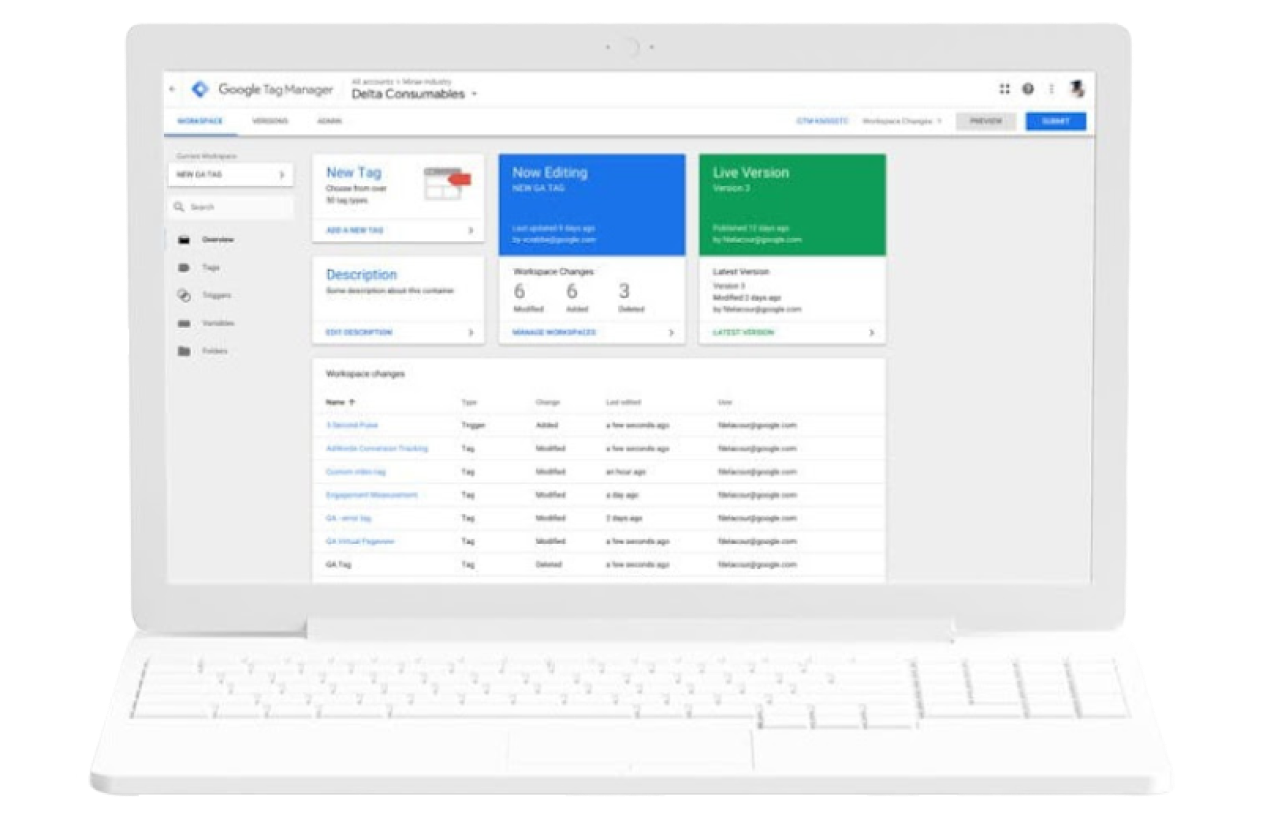
Creating Ads with GTM: Everything You Need to Know About Google Tag Manager
A powerful tool for managing tags on your site without having to manually change the code or check the consent configuration is Google Tag Manager (GTM). Thanks to its use, contextual Google Ads advertising, which can be ordered from our company Golden-Web, is guaranteed to comply with your site's privacy policy.
To get started, follow a few simple steps:
- Log in to your Google Tag Manager account.
- select the desired container for inspection;
- click on the Administration tab in the top menu;
- In the Container Settings section, find the Advanced Settings subsection and check the box next to the Enable consent review option.
Once you've enabled consent review, you can start reviewing the settings for each individual tag. To do this:
- go to review mode;
- click on the Tags tab;
- Next to the blue New button, click the shield icon.
This will show you a list of all tags in the selected container, along with the appropriate consent settings for each one. This will ensure that your ads are created correctly and that you don't run into any regulatory issues.
Contextual advertising on Google: quick consent status check via Google Tag Assistant
This tool allows you to verify that your tags are working correctly and get detailed information about your consent status. This is important to ensure that your site is GDPR compliant. It also helps you identify potential issues that could be affecting the performance of your Google Ads.
To check your consent changes, go to tagassistant.google.com and enter your site URL in the search bar to have Tag Assistant analyze your installed tags and consent status. Once the navigation bar loads, you can browse through the information by switching between tabs.
- ► Tags – displays which tags are activated and whether there are any errors in their configuration;
- ► Consent – shows what consents users have provided and what actions have been allowed based on them.
This verification of the consent status ensures its compliance with legal regulations, thanks to which contextual advertising on Google guarantees transparency in the processing of user data. If you need to attract a target audience, contextual advertising services on golden-web.digital will be an effective way to achieve this.
Order contextual advertising in Golden-Web – an effective solution for your business
An important element of successful advertising is the correct configuration of the consent mode. This step ensures that your advertising complies with Google policies and allows you to collect the necessary data for analysis and optimization. If you have not yet checked the configuration of the consent mode, do it now, because contextual advertising in Ternopil from Golden Web will ensure the smooth operation of your advertising.
However, if it is difficult for you or you are not confident in your abilities, you can always order contextual advertising from us - a team of PPC specialists. We will be happy to help you set up all the necessary parameters and ensure a stable flow of new customers for your business. Ordering PPC advertising on Golden-Web is a guarantee of effective promotion of your site.