Analyzing local search results and Google My Business profile
Google My Business is not only one of the best services for expanding your circle of potential customers, but also provides detailed statistical information about your audience.
What are Google My Business Insights?
With Google My Business Insights, you can get insights into how people found out about your business and interacted with your listing. This free Google tool helps you analyze the performance of your local search by providing information about how many times your listing was viewed by existing or potential customers, how they found it, and what information they were most interested in.
What are the benefits of using the "Statistics" section in Google My Business? 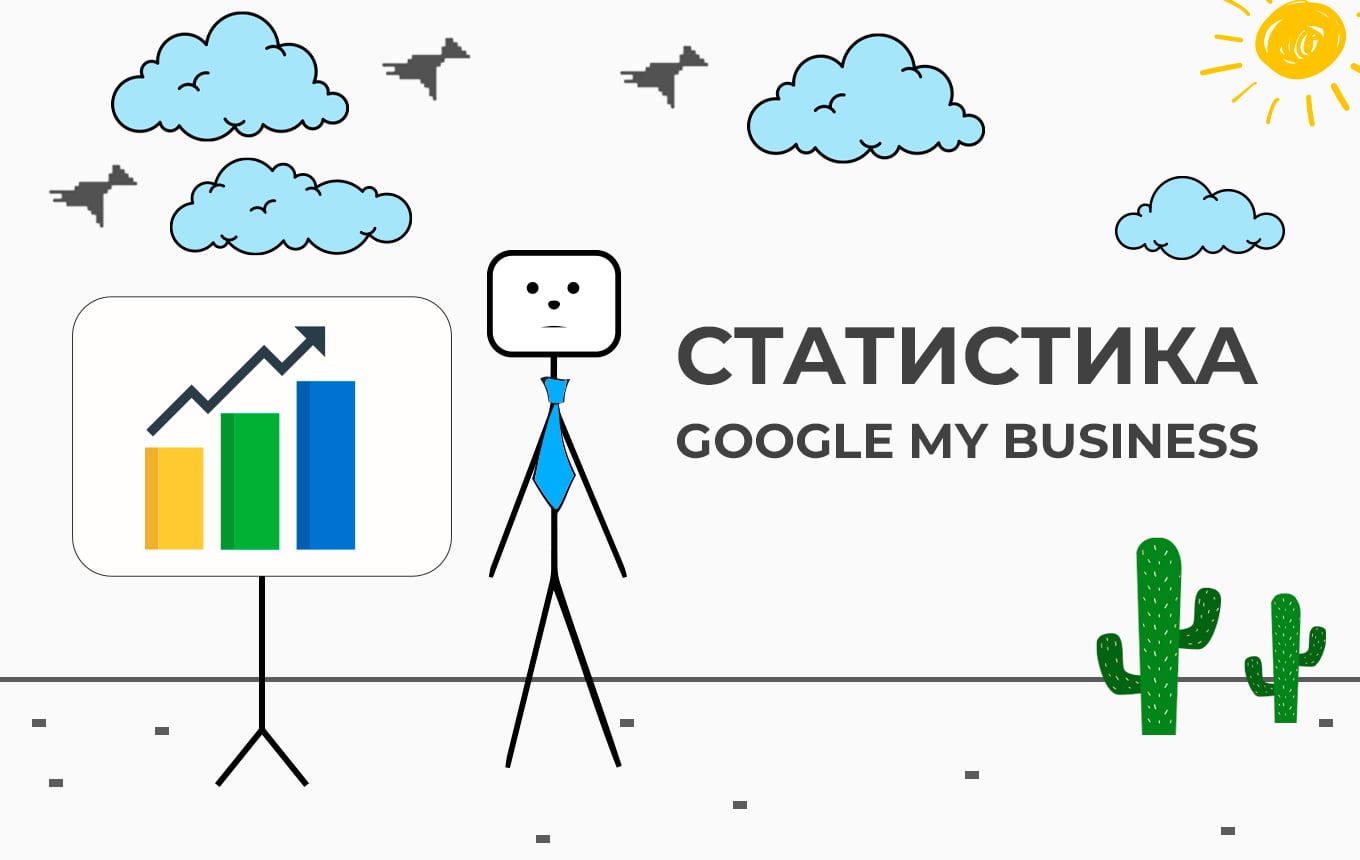
-
⦿ shows the most common ways users search for your profile
-
⦿ shows what actions customers take when interacting with your profile
-
⦿ helps you take a broader view of your own business and increase its efficiency
For example, if you deliver flowers, you will see that according to Google My Business statistics, the demand for such services increases significantly in early March. So, this is a great opportunity to place promotional offers for your customers on your profile for International Women's Day. Accordingly, this will help you encourage users to take certain actions.
How does Google My Business work?
The statistics offered by the service display information about searches, views, and actions in organic search results and in Google Ads. You can see the following data about customer interaction with your company profile:
-
►► ways users can find your business page
-
►► most frequently used search queries
-
►► list of Google products where users can see your profile
-
►► features of interaction with your company page
-
►► number of phone calls made and photos viewed by users
-
►► things that make your company recognizable.
How do customers find your company profile?
This section of the statistics shows the number of customers who found your profile. You can find out the share of users who found information about your business in one of the following ways by clicking on the graph located on the dashboard:
-
⦿ Category search: the user sees your company profile by searching for the services or products you offer in the appropriate category.
-
⦿ Brand Search: A customer searches for a brand that your company is associated with. This category will appear if your business page is displayed at least once for a brand search.
-
⦿ Direct search: the user seeks information about your company by entering its name or location address.
-
⦿ Total Search Queries: The total number of searches by each of the three methods.
Since November 2020, we have been gradually adding search query information to Search Performance reports, with the expectation that all users will have access to it in January.